If you are hiring a videographer to record your conference or keynote speech, here are 5 things he or she should know ahead of time. In addition to editorial preparation that includes identifying the problem, solution, and key players, this article reviews some more basic logistical details. Event videographers with ABV are flexible and ready to capture the story as it moves. However, here are some frequently asked questions that our videographers have as they approach a scene for the first time.
Parking and loading/unloading accommodations for videographers
Where should a videographer who you contract for your corporate event park? Most times, a videographer has the equivalent of a radio flyer wagon worth of gear he or she brings to a recording. What is the most accessible way for them to unload that gear and re-load once the recording is over.
If there are any specific parking cost validation processes at your venue, please advice your videographer.
What is the GPS Address?
Is there a building or specific venue that brings our videographer closer to the recording? For example, if the conference is happening on a large campus, what is the name for a GPS-friendly parking garage or other building where parking is available?
What is the existing lighting and sound situation that your videographer is entering?
Our videographers are documentarians. This means that we are capturing the natural light and sound that exists, but boosting both areas when needed.
Lighting Considerations
Is the venue naturally bright, dark, or about normal? Are those lights extremely warm, white, or have any other color tones or (flickering) screens that would impact the light intensity? It would be helpful to share a photo or video of other recordings that have taken place in this same venue.
Audio Considerations
How many speakers will be talking at this event to the main in-person audience? How will those spokespeople be mic'd up? For example, is there one anchored microphone on a podium and a second hand-held microphone that roams the room for audience participation?
Videographers with All Business Videography will ask to plug into an in-house audio board to capture the main audio that is amplified for the same in-house audience. Normally, we will bring an XLR (male) wire hoping to meet a (female) plug to capture the complete audio track of what the audio will hear.
Additionally, our videographers have audio gear to record 1-4 spokespeople independently.
Audio and video logistical considerations for keynote speeches
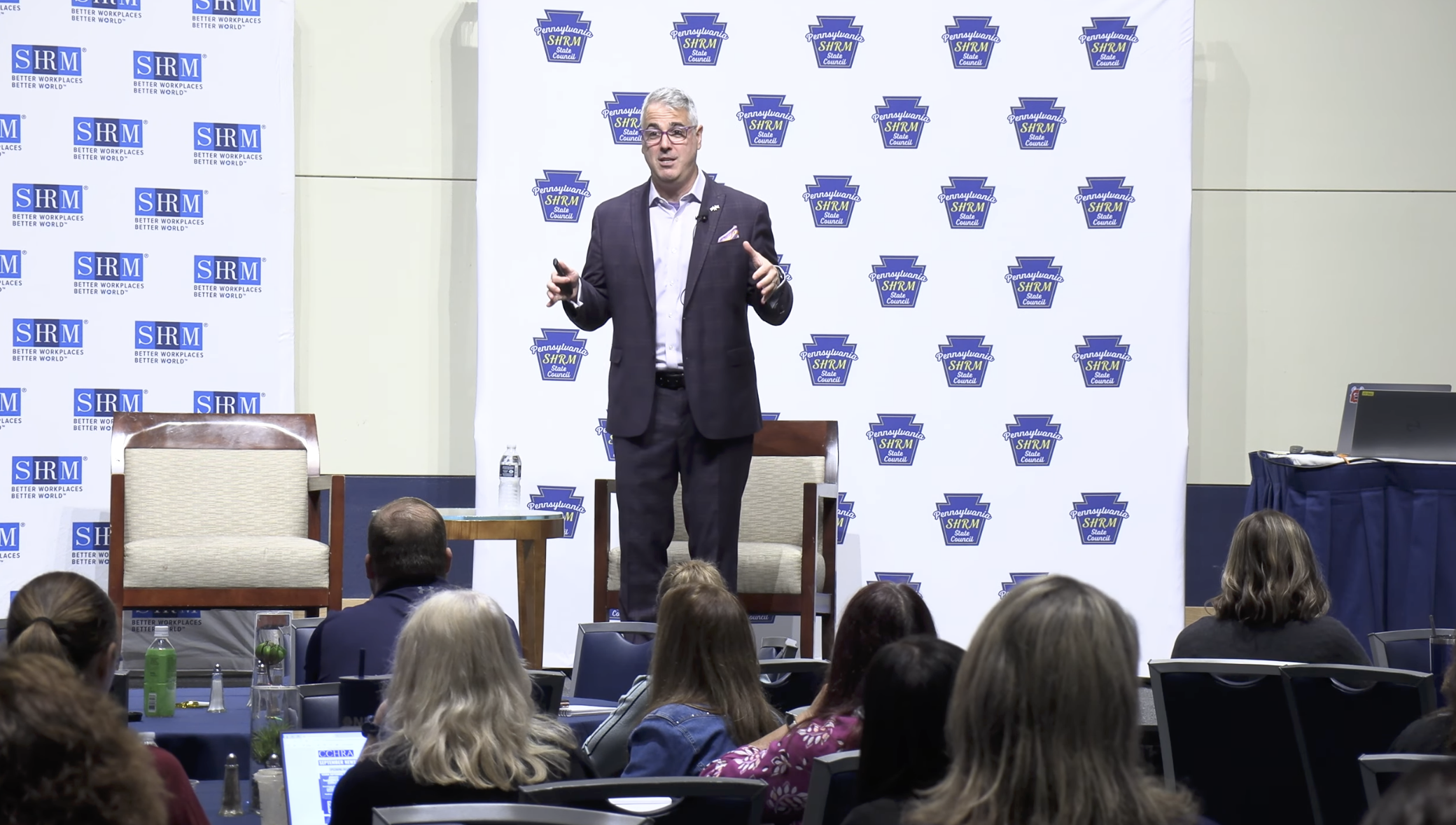
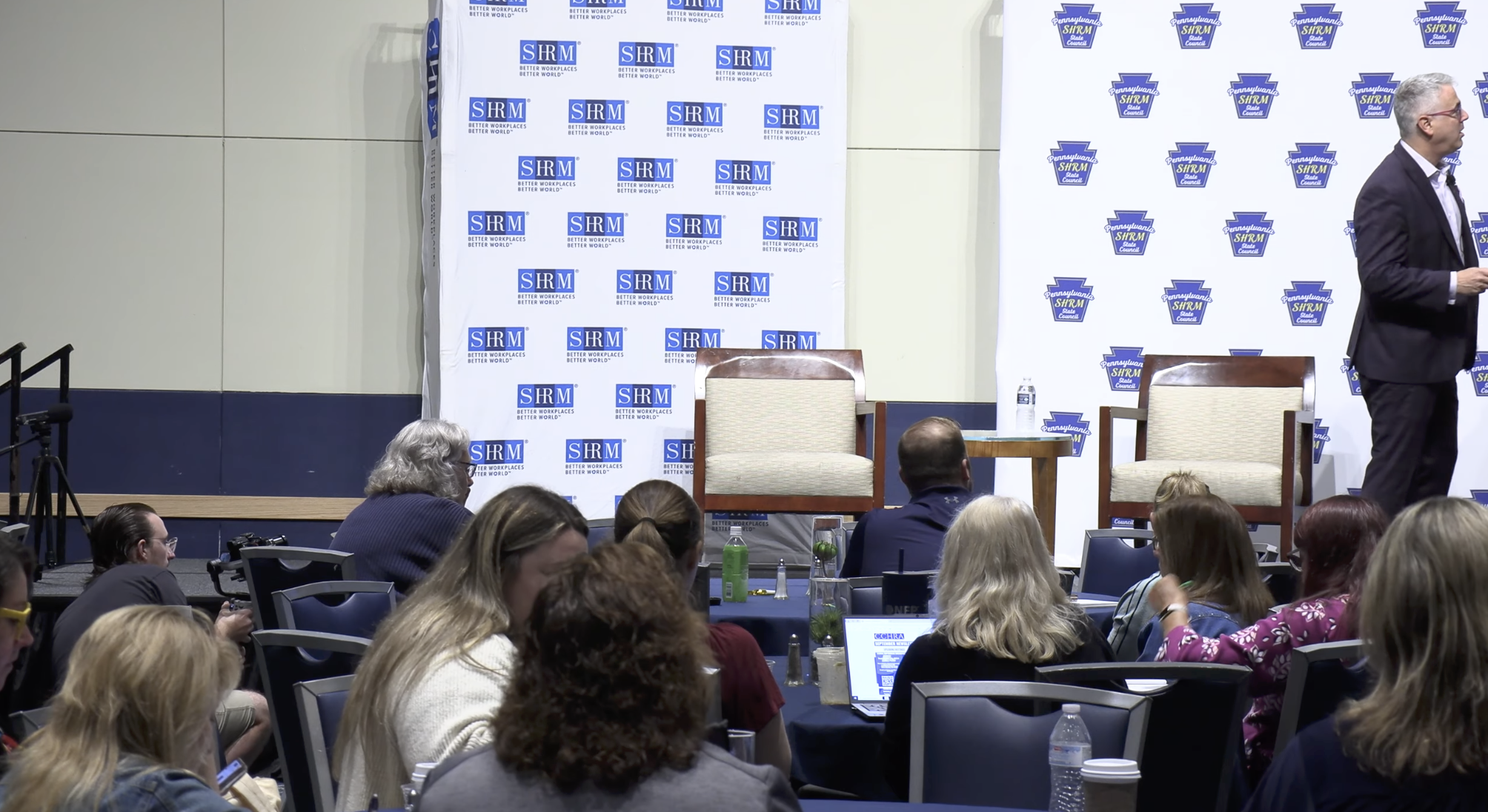
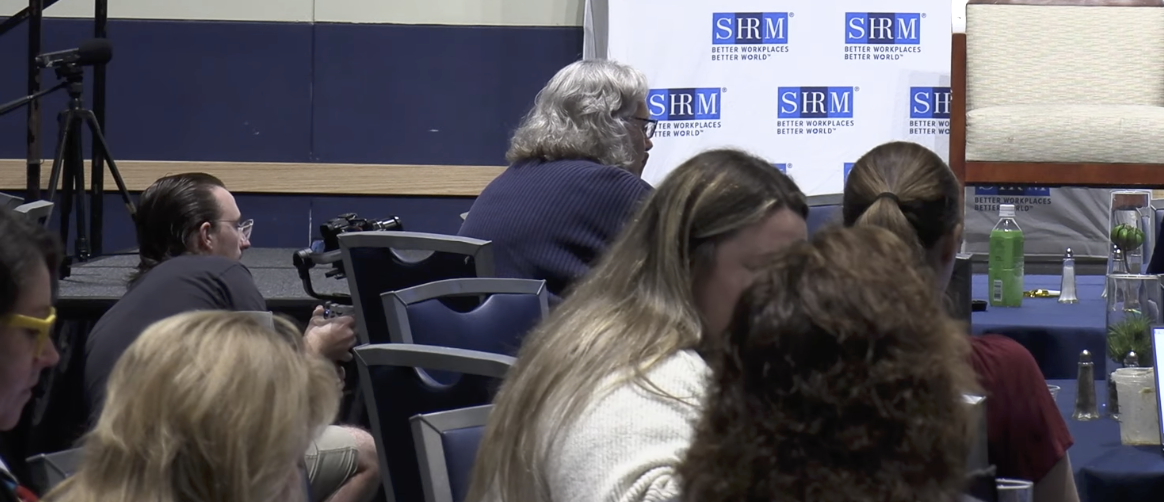
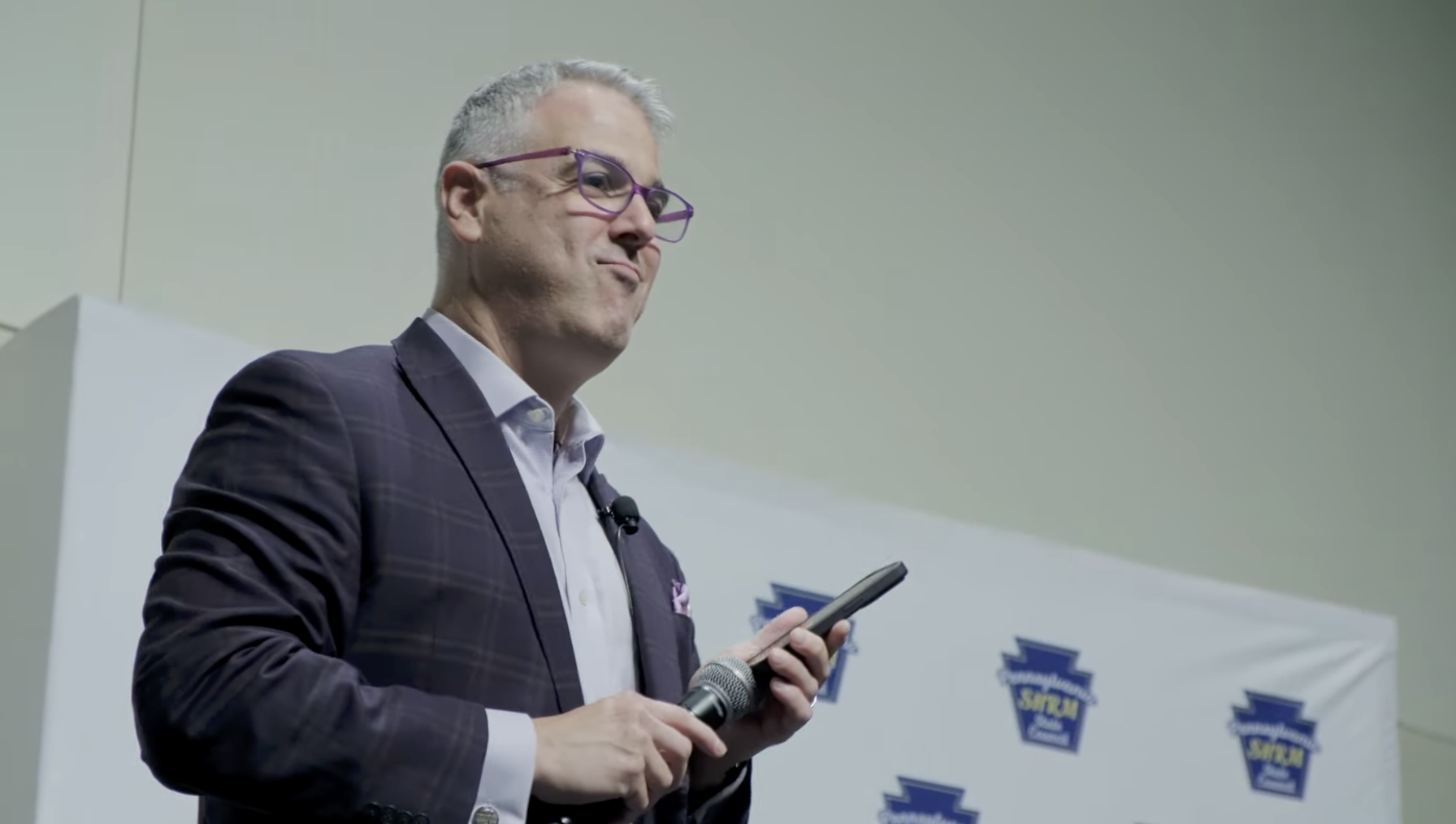
As you can see in this series of photos, a second microphone is placed near the stage to capture ambient audio from the room.
A second videographer is also positioned closer to the stage to capture closeup and semi-profile shots of the spokesperson addressing a live audience.
The Videographer’s Pre-Shoot Checklist: What to Know About Your Keynote Speaker Before Rolling
Speaker Popularity and High-Profile Logistics
- High-Security VIPs (e.g., Heads of State, Celebs): If you are filming a high-profile figure like the U.S. President, a high-ranking government official, or an A-list celebrity, expect massive logistical layers. Videographers may need to plan extra time to clear Secret Service or private security checkpoints, undergo equipment sweeps, and navigate heavily congested traffic or restricted road zones.
Does your videographer need a media credential, badge, or other press clearance?
- Crowd Dynamics: Highly popular speakers draw packed rooms. You will need to arrive early to secure your camera footprint before the crowd blocks your sightlines, and plan for heavy wireless interference from thousands of cellular devices in the room.
Stage Movement and Presentation Style
-
- The Pacer vs. The Podium Anchor: Does the speaker stand firmly behind a podium, or do they pace the stage from end to end? A stationary speaker allows for tighter, more intimate framing, while a pacer requires a looser shot or a dedicated camera operator on a fluid-head tripod to track the movement smoothly.
- Audience Interaction: Do they plan to walk down into the crowd for Q&A? If so, you will need to prepare a secondary roaming camera or adjust your lighting package to cover the dim house floors.
Videographer Expectations for Media Integration and Slide Usage from Keynote
- Slide Aspect Ratios: Will the speaker use a PowerPoint or Keynote deck? Ask the event coordinators for the presentation files beforehand. This allows you to cleanly overlay the digital slides in post-production rather than relying on a washed-out camera shot of the projector screen.

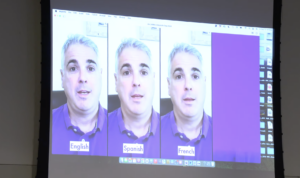
For example: This presenter played a video where the audio was not amplified in the room through the audio board. The audio was captured from the ambient mic we positioned near the stage.
- Video and Audio Cues: If the speaker’s slides contain embedded video or audio clips, ensure your audio mixer is routed to capture both the speaker's microphone and the direct house audio playback.