



Video Production Steps Simplified for Student-Led Documentary
Tips for busy students to also produce broadcast-quality videos of their club activities
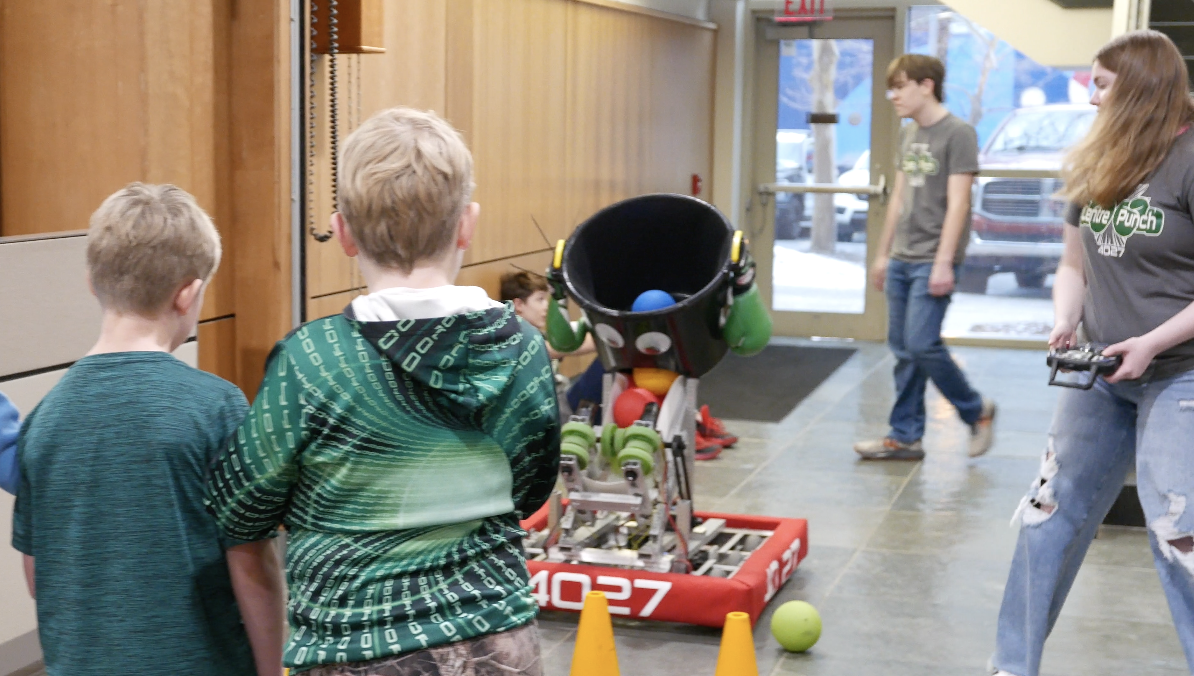
Creating broadcast-quality videos for your student organization starts with one essential mindset: produce what is actually happening, not a staged or forced version of it. The most compelling student videos come from real practices, real meetings, real build sessions, real competitions, and real team moments—not scripted reenactments. By recording authentic activity as it unfolds, your footage automatically looks more natural, exciting, and professional.
An essential tip in this training coaching your members to deliver pre-game and post-game interviews in the present, active tense, such as “We are preparing…” or “We are focusing on…” instead of “We were” or “We did.” Speaking in the present tense creates evergreen content that still feels fresh months or even years later, allowing your organization to build a long-lasting library of promotional videos that can support recruitment, fundraising, and team identity well into the future.
Below is a workbook of tips that any student-led organization can use to produce broadcast-quality videos ASAP!
Video Production Steps Simplified for Student-Led Documentary
Pre-Production Considerations for Student Group Brand Identity
Before filming begins, student videographers should define the identity, purpose, and message of the organization they are showcasing. This ensures the final video reflects the group’s culture, mission, and impact in a way that resonates with current members, future recruits, and the broader community.
Clarify the following:
-
Why your organization wants to produce this brand video
-
What message you want viewers to take away
-
How you want the video to feel — energetic, collaborative, competitive, creative, welcoming
-
What makes your activities distinct from other group activities
-
Where the video will be published, such as:
-
YouTube
-
The group’s website
-
Instagram
-
TikTok
-
Campus social media
-
Email newsletters or digital signage
-
Or all of the above
-
This foundation sets the direction for interviews, b-roll, music selection, and editing style.
Identify Key Brand Talking Points for Your Student Organization
A successful student brand video relies on clear, memorable talking points that define what the group represents. These themes guide what you film and how you shape the narrative.
Example talking points might include:
-
Collaboration
-
Competition
-
Trial & Error
Now list your organization’s five talking points:
(Example: A student robotics club might list innovation or problem-solving as a core talking point.)
Highlight the Skills and Values Students Gain Through the Organization
Showcasing the skills and values your members develop helps viewers understand the group’s real-world impact. These skills naturally shape interview questions and visual storytelling.
Example skill/value:
-
Coding
Now list five skills or values your members gain:
Conducting a Walkthrough to Understand Your Filming Environment
Whether you’re filming in a classroom, workshop, practice room, lab, meeting hall, or outdoor space, a walkthrough helps you understand:
-
Movement flow — where students walk, collaborate, or gather
-
Activity zones — where the most meaningful moments occur
-
Visual strengths — equipment, murals, tools, signage, collaborative spaces
-
Lighting conditions — bright spots, dim corners, windows, mixed lighting
-
Potential challenges — noise, tight spaces, reflections, crowded areas
A walkthrough helps map out where your strongest footage is likely to happen.
How to Approach Video Walk-throughs When Schedules Don’t Allow One
A true walkthrough may not be possible due to busy student schedules, limited room access, or weekend-only availability.
In that case, the video team can film a scrimmage, practice session, or rehearsal instead.
A recorded practice allows you to:
-
Test camera angles in a low-pressure environment
-
Experiment with panning, tracking, and focus changes
-
Identify lighting or audio challenges early
-
Rehearse movement for the real event
-
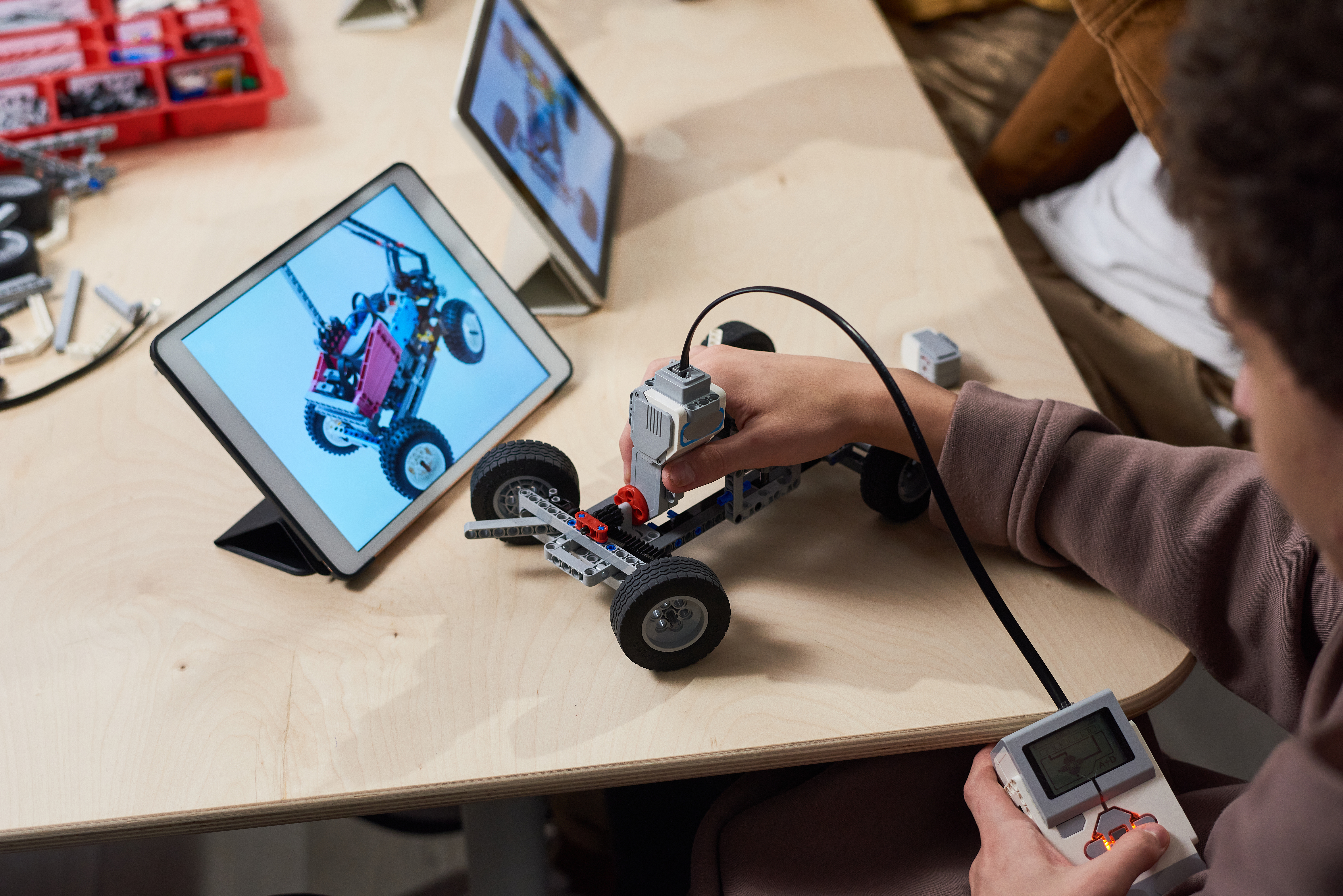
Practice capturing teamwork and problem-solving moments (for example, a student robotics club building or testing mechanisms)
A rehearsal often provides just as much insight as an official walkthrough.
3. Planning Wide, Medium, and Close-Up Coverage for Student Brand Videos
To make a video feel polished and dynamic, plan for three types of visual coverage:
-
Wide shots — show the overall environment and group activity
-
Medium shots — show collaboration, teamwork, and interaction
-
Close-ups — show hands, tools, keyboards, instruments, materials, and expressions
This layered approach ensures:
-
Strong storytelling depth
-
Backup shots if something is blocked
-
Smooth editing flow
-
Enough variety to cover any activity your group engages in
This method works whether you have one videographer or a small team.
4. Confirming the Visual Strategy During the Walkthrough or Practice Session
Use the walkthrough or practice recording to confirm:
-
Which activities should be filmed first
-
Where wide, medium, and close-up angles will work best
-
Any moments that should be staged or rehearsed
-
How crew members will move without interrupting the group
-
Where crowds or equipment may block shots
-
Any safety considerations related to tools, gear, or movement
This discussion ensures alignment between the video team and organization leaders.
5. Creating a Shot Sheet for Your Student Organization Video
A good shot sheet keeps the team organized and confident.
Wide Shot Pass
-
Overview of room or outdoor space
-
Students gathering or collaborating
-
Transitions between activities
Medium Shot Pass
-
Group discussions
-
Students working with tools, technology, instruments, or creative materials
-
Interactions such as mentoring, teamwork, or troubleshooting
Close-Up Pass
-
Hands typing, building, soldering, sketching, measuring, writing, designing
-
Close-ups of equipment, tools, notebooks, laptops, instruments
-
Reactions and expressions
Additional Opportunities
-
Candid laughter or conversations
-
Behind-the-scenes teamwork
-
Breakthrough or “aha” moments
-
Project demonstrations
6. Event Day Logistics for Student Videographers
To ensure smooth production, confirm:
-
Call time for all video crew members
-
Space for gear setup and staging
-
Lighting conditions before filming begins
-
Audio considerations, including ambient noise
-
Privacy or permission requirements
-
Pre-event shots needed before the room fills
-
Backup batteries and memory cards
Good logistics prevent stress and protect the final product.
7. Communicating Expectations With Your Student Video Team
Send a brief outline to everyone involved before filming.
Include:
-
The wide/medium/close-up coverage plan
-
Who is responsible for each type of shot or angle
-
The priority activities or moments that must be captured
-
Where crew members should stand or move during busy moments
-
How to stay unobtrusive while still capturing authentic interactions
-
How communication will work during filming (hand signals, text thread, etc.)
Clear expectations help everyone feel prepared and confident.
Please feel free to contact ABVLLC owner/operator Matt DeSarle with any follow up questions. Fill out a contact form. He is happy to help!